How to Update Existing Price Lists
Print
Created by: Fahim Shaikh
Modified on: Tue, 4 Nov, 2025 at 8:33 PM
At times, you may need to update your B2B prices or add/remove tests for your organizations or referrals.
You can easily make these changes from the List & Group Management section.
Steps to update price lists:
Go to Admin → List & Group Management.
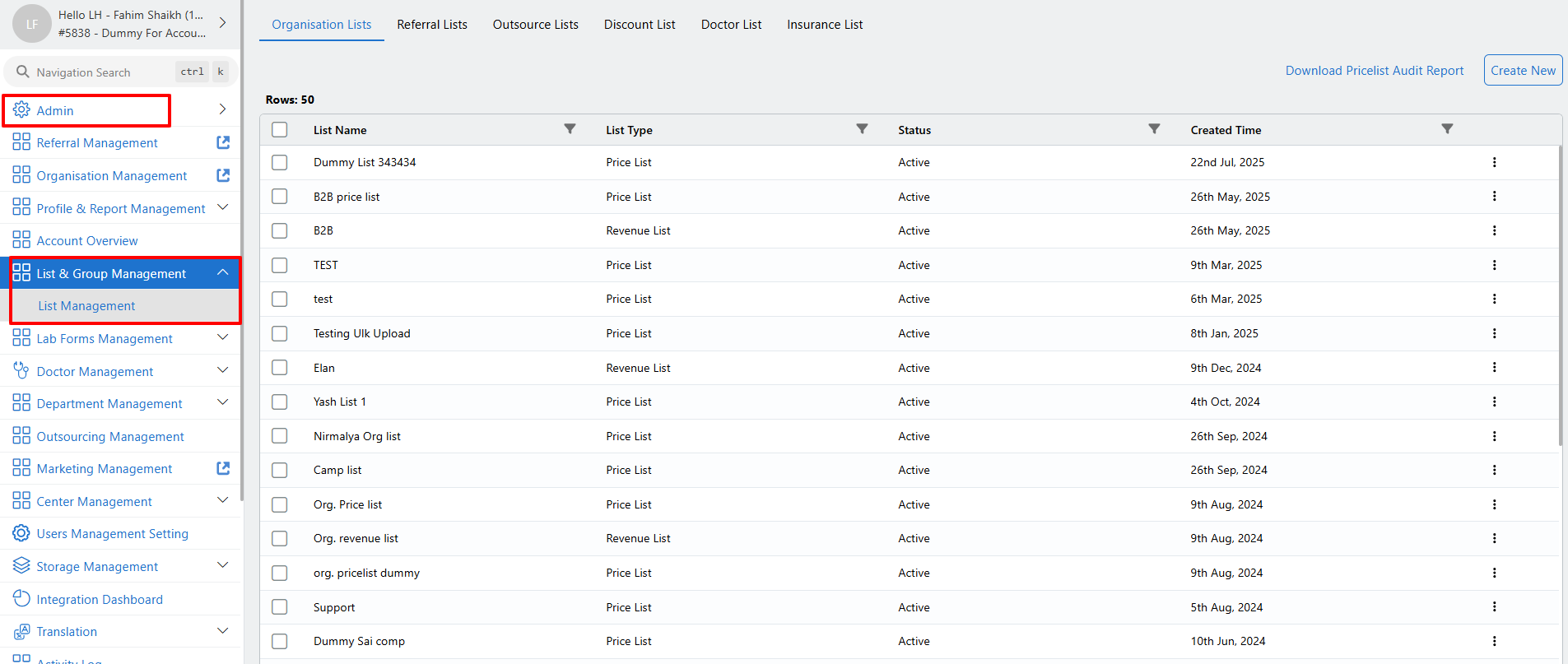
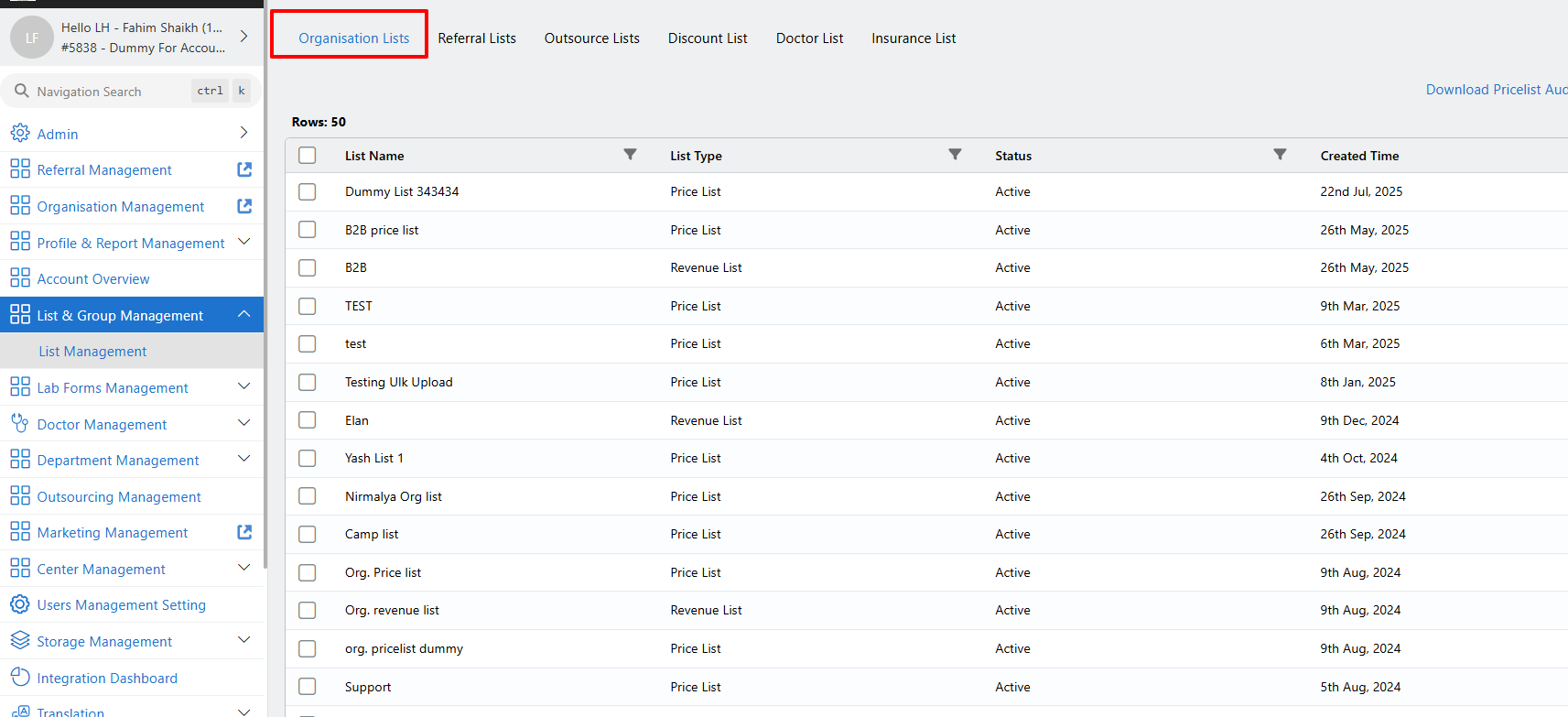
Navigate to the Organization Lists section if you need to update Organization price lists.
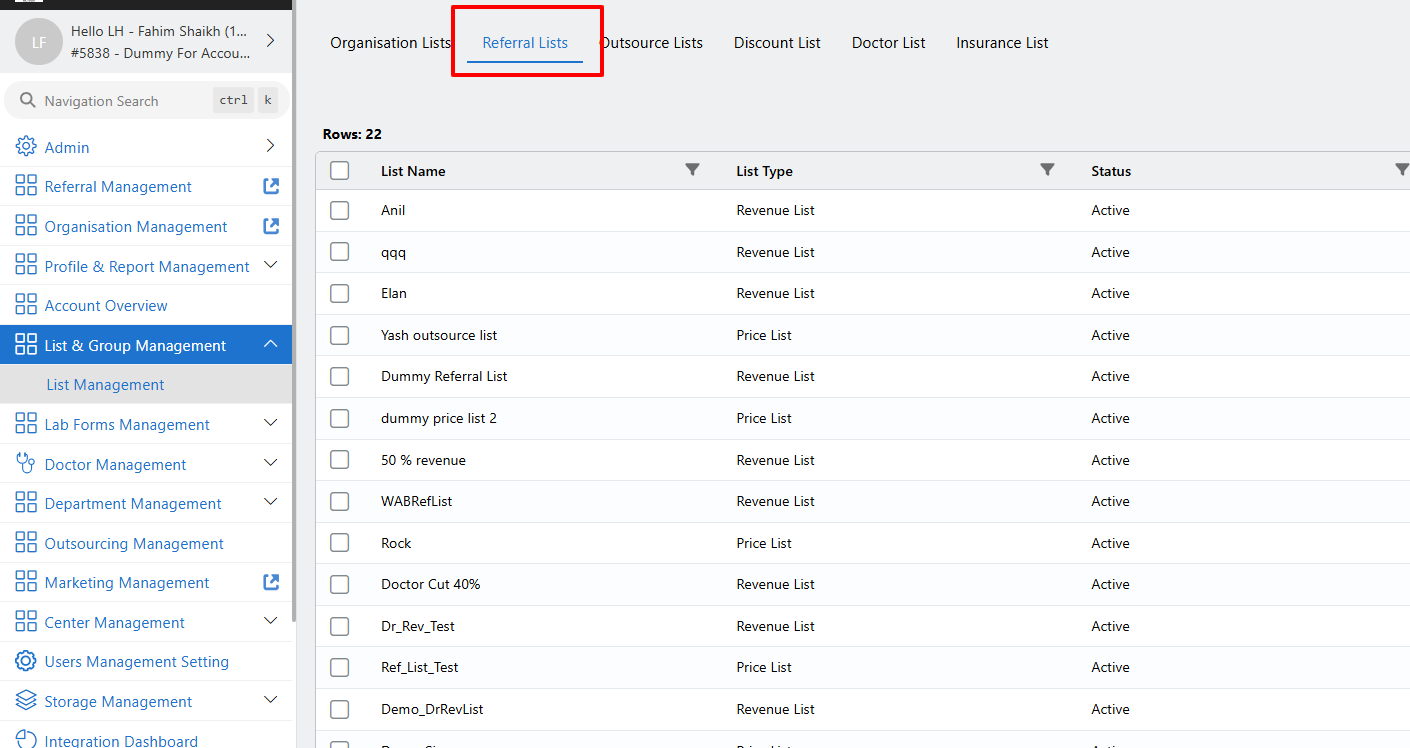
Navigate to the Referral Lists section if you need to update Referral price lists.
Click on the Price lists which you want edit
Make the required changes to the list.
Click on Save to apply the updates.
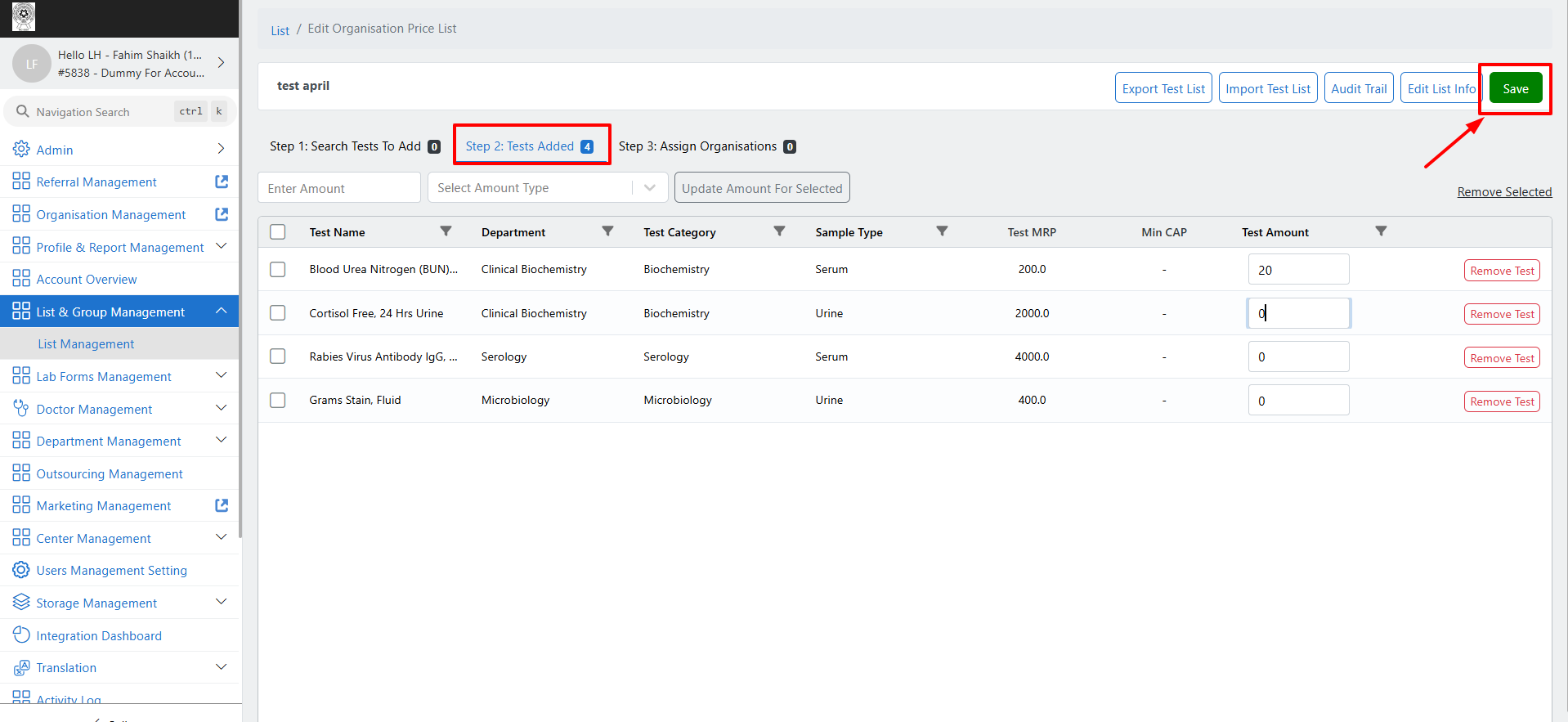
And that’s it — your price list changes are successfully saved!
Note: To access List & Group Management, you must have Admin and List & Group Management access enabled for your user ID.
If you do not have the required access, please reach out to your Lab Admin for assistance.
For a better understanding, you can refer to the attached video tutorial.
Fahim is the author of this solution article.
Did you find it helpful?
Yes
No
Send feedback Sorry we couldn't be helpful. Help us improve this article with your feedback.
